
Connected users
See who has connected Claude, ChatGPT, WhatsApp or the web chat to your integration, and revoke any connection.
On this page
Each user who connects to your integration creates a connection. You find them under Manage, in Connections.
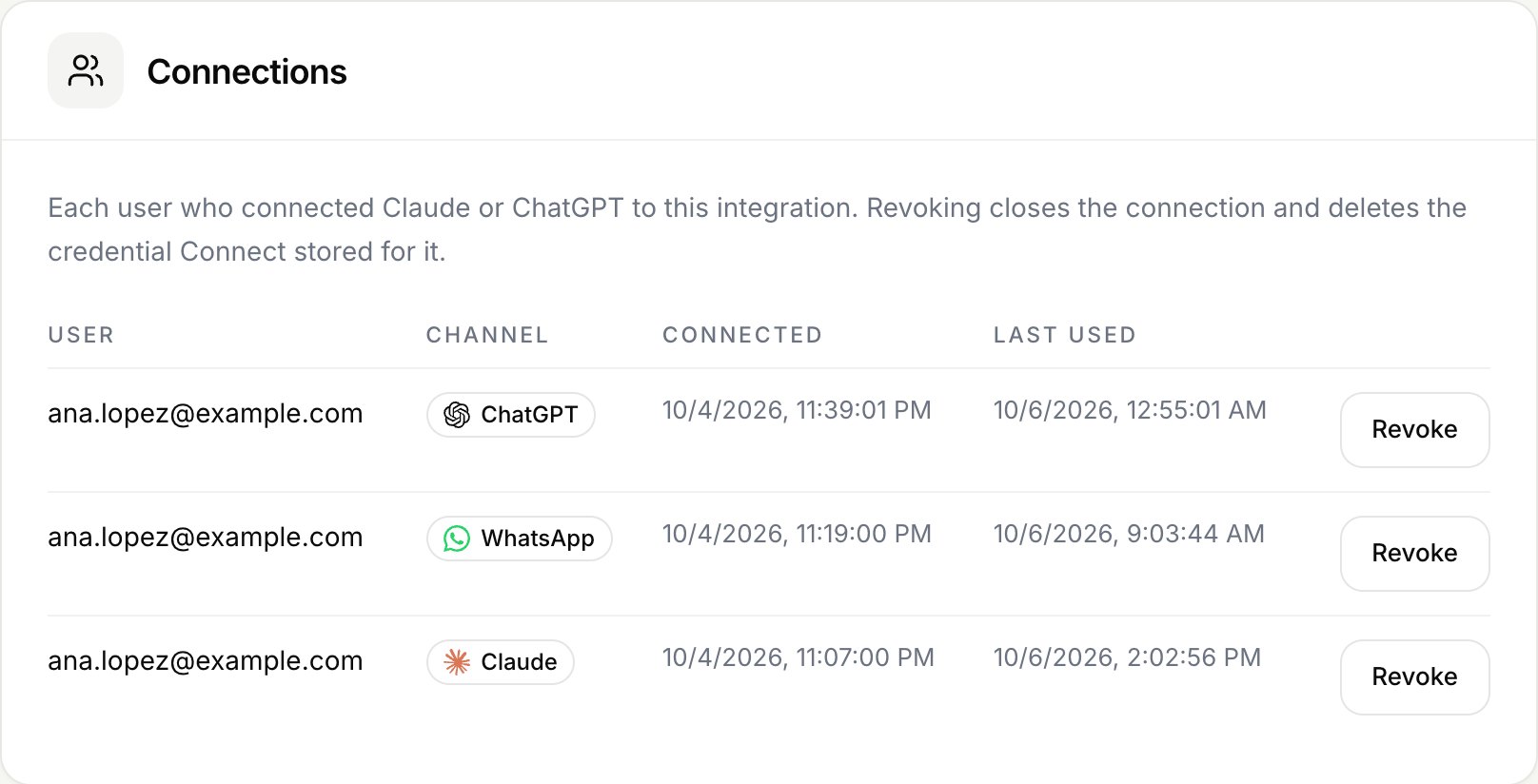
What the list shows
| Column | Content |
|---|---|
| User | In OAuth mode, the user's email, username or name. In API key mode, the user id from your verification path. |
| Channel | Claude, ChatGPT, WhatsApp or Web. |
| Connected | When they connected. |
| Last used | The last call, updated at most once per minute. |
WhatsApp connections appear while the number's link is active. Web connections appear while the customer's chat session is active, which is 7 days without use and 30 at most.
Revoke a connection
Owners and admins can revoke any connection. Connect:
- Closes the connection right away. The next call from that user fails.
- Deletes the credential it stored for that user.
- In OAuth mode, if you set a revocation endpoint, asks your provider to revoke the token.
Note
In API key mode Connect deletes its copy of the key, but the key stays valid in your system until the user revokes it there.
The user can connect again whenever they want.
When Connect closes connections on its own
| Event | Connections closed |
|---|---|
| You change authentication while live | All of them |
| Grostify does not approve or suspends the integration | All of them |
| Your OAuth provider rejects the refresh token | That user's |
| The AI client revokes the user's token | That user's |
| You delete the integration | All of them |
In those cases Connect does not call your revocation endpoint, except when the AI client revokes the token.