Your API into AI tools in three steps
We recorded the whole setup with Acme, our demo API: verify the domain, set up sign-in and import the OpenAPI. No code.
2 min read
In this article
We recorded how Connect is set up from the inside, from start to finish, with Acme Distribuidora, the fictional company we use for demos. The video above is the full recording.
1. Verify your domain
Connect only calls domains you prove are yours. In the video a TXT record with the _grostify-connect prefix is added to Acme's DNS and Check now is clicked. If you cannot touch the DNS, serve the same value in a file over HTTPS.
2. Set up sign-in
Each customer signs in with their own account. Acme uses OAuth: you type the issuer, click Discover and Connect fills in the endpoints. Then you save the client secret and a test credential to test the tools. Both are stored encrypted. If your API uses keys, each customer pastes their own.
3. Import your OpenAPI
Upload the document or paste its URL. Each GET endpoint becomes a tool and the other methods are skipped, so everything is read-only. Acme's API comes out with 10 tools.
Claude writes the descriptions
A good description tells the assistant when to use each tool and what it returns. With Write descriptions with Claude, Claude drafts them from the structure of the API: paths, parameters and field names. It never sees your API's data or your keys. You review each one.
And you test each tool before turning it on
No tool can be enabled without a successful test. In the video, the shipment tracking tool calls Acme's API with the test credential and returns HTTP 200. Then you choose its channels: Claude, ChatGPT, WhatsApp or the chat on your website.
Your API stays the source of truth. Connect decides which tools an assistant can use, and for whom.
What your customers see
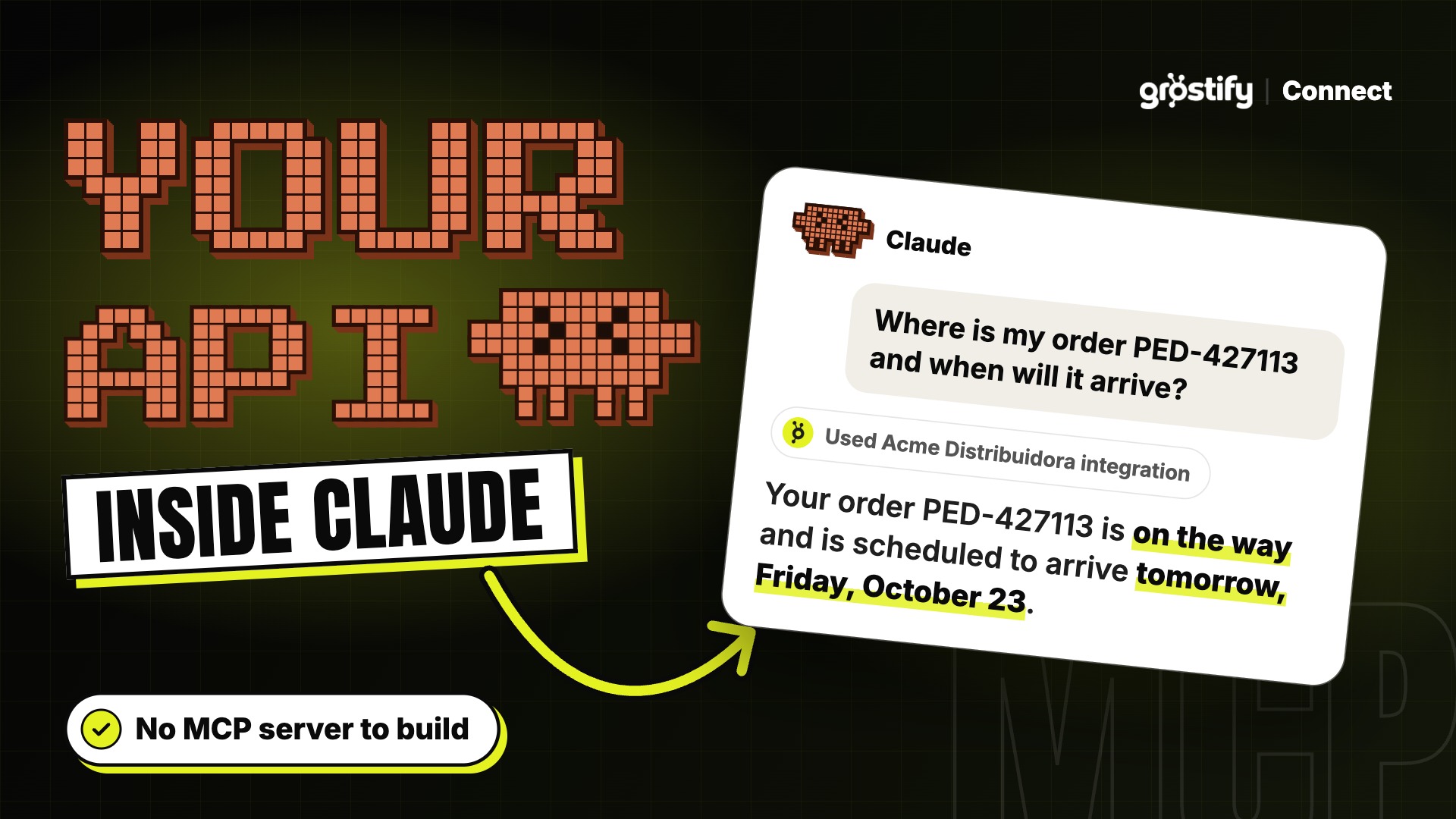
From there, each customer signs in with their own account and can only look things up. This is how it looks from their side: how your customers check their own data from Claude. The guide with every detail is in how to turn your API into Claude tools and in the quickstart.
- #openapi
- #mcp
- #video
Your API, ready for AI agents
Turn your endpoints into tools for Claude, ChatGPT and WhatsApp.